
Contents
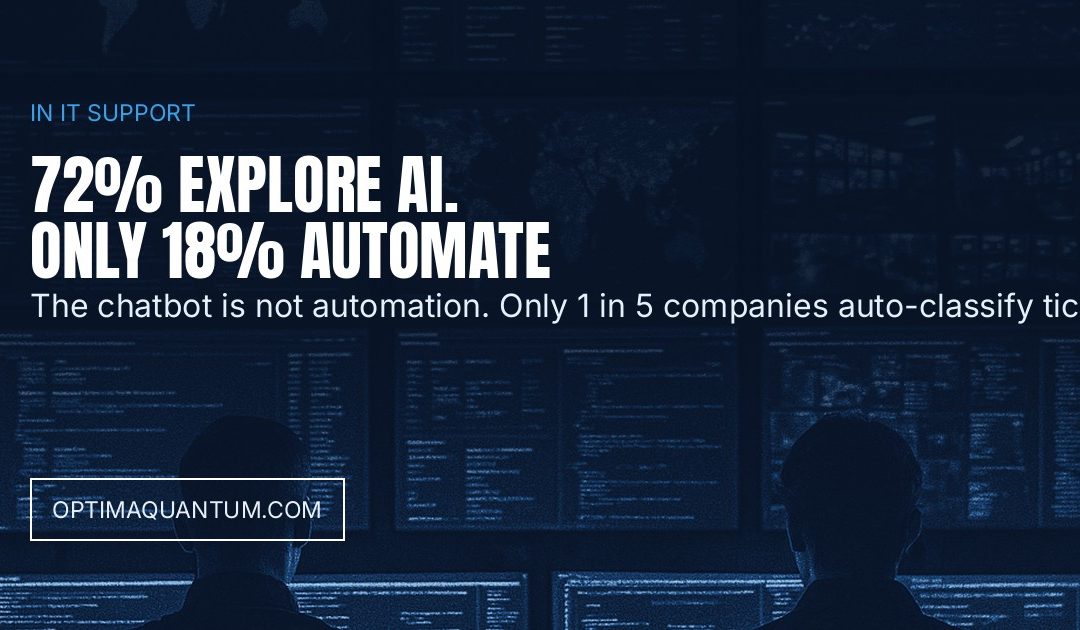
AI IT support automation doesn’t mean putting a chatbot in front of your help desk. It means deciding which tickets a machine can actually close on its own — not just answer — and which ones still need a person, before you connect anything to your ticketing system. If your company is looking into “AI IT support automation,” the number worth knowing first is this: according to HDI’s State of Service Management in 2026 survey of 210 service management leaders across 30 industries, 72% of organizations are already exploring AI for their service desk. Only 18% have gone as far as automating ticket classification.
What AI actually does in IT support
In a real service desk, AI today handles specific, narrow jobs — it doesn’t replace the technician:
- Ticket classification: reads an incoming request and routes it to the right queue and priority, instead of a human sorting the backlog by hand every morning.
- Knowledge retrieval: pulls the relevant internal article or past resolution the moment a ticket is opened, so the technician doesn’t start from zero.
- Self-service deflection: resolves password resets, access requests and other repetitive asks before they ever become a ticket a person has to touch.
- Escalation routing: flags when a request needs a specialist or a manager’s approval, based on rules agreed in advance, not on who happens to be on shift.
None of these tasks replaces the technician’s judgment. AI sorts, retrieves and flags; a person still handles anything that isn’t routine. That boundary — what gets resolved without a human and what always reaches one — is the first thing to put in writing, before switching anything on.
What nobody says out loud: the chatbot is the easy 49%, not the automation
HDI’s 2026 research breaks down exactly how companies are using AI in their service desk: chatbots and virtual assistants lead adoption at 49%, automated knowledge retrieval comes in at 33%, and intelligent ticket classification trails at just 18%. That order isn’t an accident. A chatbot is the fastest thing to bolt onto a help desk and the easiest to demo — and it’s also the one that changes the least about how a ticket actually gets resolved. It gives the user somewhere to type instead of calling, but the ticket still lands in the same queue, gets read by the same person, in the same order.
The chatbot is a new front door. It isn’t the automation. Classifying and deflecting tickets before a human ever sees them is what actually moves the cost and the backlog — and it’s the part fewer than one in five companies have built.
This matters because of where the market is heading. Gartner predicts that by 2029, agentic AI will autonomously resolve 80% of common customer service issues without human intervention, cutting operational costs by 30% in the process — a shift Gartner describes as agentic AI moving from simply assisting users with information to proactively resolving requests on their behalf. Internal IT service desks are the same kind of repetitive, rules-based queue that pattern applies to. The companies that spend the next few years only adding a chatbot on top will still be sorting tickets by hand while the ones who automated classification and retrieval are already past that stage.
What changes when it’s done right
Picture a 150-person company’s internal IT team handling requests from every department. Before: every request lands in one shared inbox, a technician reads it, decides what it is, decides who should take it, and only then does anyone start actually fixing the problem — the same three or four categories (password resets, access requests, printer and VPN issues) eating the first hour of someone’s day, every day.
After redesigning the process around AI: incoming requests get classified and routed the moment they arrive; password resets and standard access requests resolve themselves through self-service before a ticket is even created; the technician’s queue only contains what genuinely needs a person, pre-sorted by priority, with the relevant past resolution already attached. The backlog doesn’t disappear, but the technician stops spending the first hour of the day doing triage instead of fixing anything.
The difference isn’t the AI model. It’s that someone decided, category by category, what a machine is allowed to close on its own before the system went live — and reviewed what was actually resolved, not just what was deflected.
How we do it at Optima Quantum
We don’t sell a generic help desk chatbot. We start by mapping your actual ticket queue — the real categories your team handles every week, not the ones in the service catalog — and mark which ones a machine can classify, resolve or deflect on its own, and which ones always need a technician. We connect to the ticketing system and knowledge base you already run instead of asking you to migrate platforms, and we set clear limits from day one on what AI can close without review, especially anything touching access or credentials. We measure before and after with real numbers — first-response time, percentage of tickets resolved without a technician, backlog age — so the improvement shows up in your queue, not just in a vendor’s dashboard.
Frequently asked questions
Can AI close a ticket with no technician ever reviewing it? For a defined, low-risk set of categories agreed in advance — yes, that’s the point. Anything involving access, credentials or anything outside that agreed list always reaches a person.
Do we need to replace our current ticketing system? No. It connects to what you already use (Jira Service Management, Zendesk, Freshservice, or whatever your team runs); the goal is fewer manual steps in your current tool, not a new one to learn.
How long before we see a result? It depends on ticket volume and categories, but classification and self-service deflection on the most repetitive categories is usually where the first measurable drop in backlog shows up, before anything else is touched.
Does this replace IT technicians? No. It removes the sorting and repetitive-answer work from their day so they spend it on tickets that actually need a person — the ones AI correctly recognizes it shouldn’t touch.
What about access to sensitive systems and credentials? Access limits are defined before connecting anything: what the AI can see, what it can act on, and what stays outside its reach by default.
Talk to us
If your company is already exploring “AI IT support automation” because the backlog isn’t moving, the first step is mapping your actual ticket categories, not picking a tool. Our AI Automation page explains how we approach this, and our IT Consulting service covers the service desk itself. To talk it through directly, contact us.
Related: AI chatbots for customer service (for the customer-facing side of the same problem) and AI email support for business (for the inbox before it ever becomes a ticket).
Get our new articles by email
One email per article. Unsubscribe anytime.