
Contents
If your business is searching for “AI bookkeeping,” you already know the symptom: the monthly close stalls because someone has to go through the bank statement line by line, match each transaction to the right invoice or receipt, and chase down the three loose expenses nobody filed a receipt for in time. It isn’t a data problem — the bank feed and the invoices already exist — it’s that someone has to type them in, match them, and fix what doesn’t reconcile, every single month, again.
What AI actually does for your bookkeeping
In bookkeeping, AI doesn’t “keep the books” for you. It automates the repetitive work that today eats hours of someone qualified to do something better with their time.
- Automatic bank feed categorization: it learns how past income and expenses were classified and applies the same logic to new transactions, so nobody has to decide again whether a charge is “supplies” or “maintenance.”
- Automatic bank reconciliation: it matches every transaction on the statement to its corresponding invoice, receipt, or payment, and only flags for human review what it can’t match — not the hundreds of transactions that reconcile on their own.
- Duplicate and anomaly detection: an invoice paid twice, a charge that breaks the usual pattern for that vendor or that line item, caught before it reaches the close.
- Natural-language queries on the books: how much was spent on a given line item this quarter, without waiting for someone to build a report to answer it.
None of this closes the books on its own. It prepares and proposes; the bookkeeper or accountant reviews and confirms, especially anything that doesn’t fit the usual pattern — a new vendor, an unusual expense, a transaction that doesn’t match any known category.
What nobody says out loud: automating isn’t firing your accountant
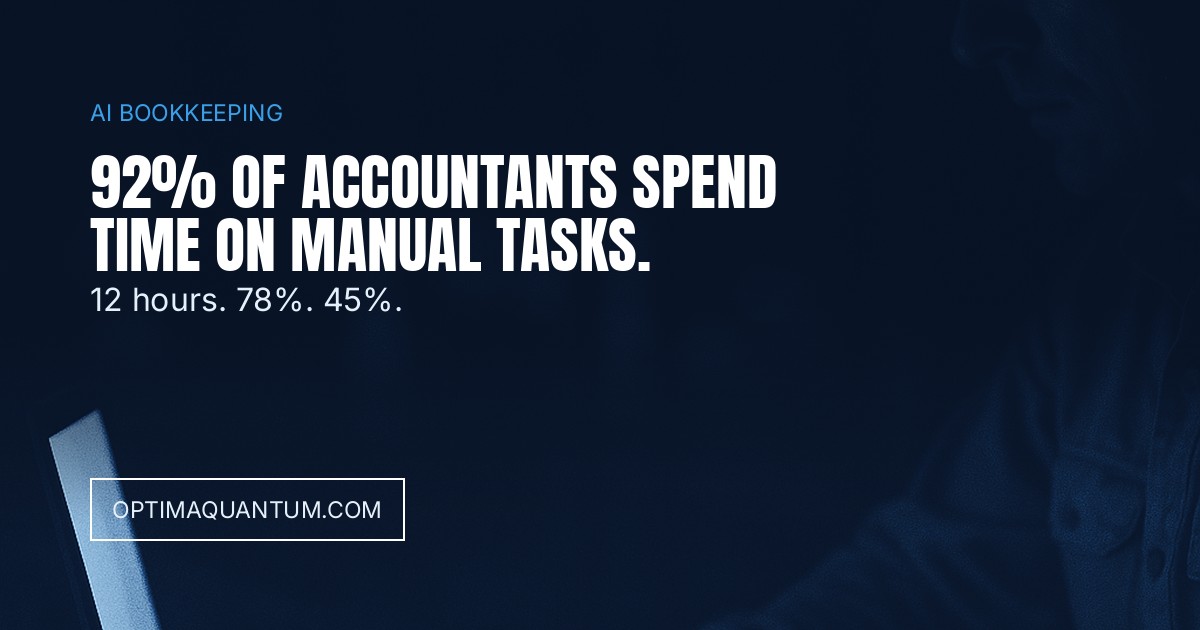
Sage’s The Practice of Now report, surveying accountants and bookkeepers across several countries, found that 92% of accountants and bookkeepers admit they spend too much time on manual admin and compliance tasks — exactly the kind of work a properly connected AI tool can take over. And the impact is already measurable: an Intuit survey of QuickBooks Online customers (April 2025) found that 45% of those using AI-powered bank feed categorization save 12 hours a month on bookkeeping, and 78% say AI makes it easier to run their business.
What almost nobody says out loud is the opposite of what a lot of the sector’s marketing promises: AI doesn’t reduce the need for a trusted bookkeeper or accountant — it reduces the time that qualified person loses typing instead of reviewing, flagging, and advising. Sage’s number doesn’t describe a headcount that can be trimmed; it describes the hours of a skilled person spent on work that shouldn’t be occupying them in the first place.
What changes when it’s done right
Picture a business with several bank accounts and a few dozen regular vendors. Before: the monthly close takes several days because someone manually reviews every bank transaction, matches it to the right invoice, and chases missing receipts by email — with the added risk that a duplicate payment or a miscategorized charge goes unnoticed until an audit or a tax inspection finds it. After connecting the books to a system that classifies and reconciles on its own: most transactions reconcile with no intervention, and only the real exceptions — 15 or 20 of them — a new vendor, an expense that doesn’t fit, a possible duplicate, actually reach the bookkeeper’s desk. The close that used to take a week now fits into a single day, and that day goes to reviewing what matters, not typing what doesn’t need it.
How we do it at Optima Quantum
We don’t sell a bookkeeping program that replaces the one your business already uses: we start by mapping what system you have today — ERP, accounting software, spreadsheets, several bank accounts that don’t talk to each other — and connect that to a workflow that classifies and reconciles every transaction automatically. From day one we set what the system decides on its own (classifying and matching anything that already follows a known pattern) and what always goes through a person (any exception, any new vendor or expense, the final close). We measure before and after with the same indicators your business already cares about — days to close, number of manual exceptions, hours spent per month — so the improvement shows up on the close calendar, not just in a slide deck.
Frequently asked questions
Does AI replace my bookkeeper or accountant? No. Sage’s own data confirms it: the problem it solves isn’t a lack of a professional, it’s the time that professional loses on manual tasks that don’t require their judgment. A person still reviews the exceptions and signs off on the close.
Do we need to switch accounting software to start? No. It connects to the system your business already uses — ERP, accounting software, spreadsheets; the goal is to automate classification and reconciliation on top of that same data, not replace the tool your team already works with.
Is it safe to connect company bank accounts to an AI system? The connection runs in read-only mode on the bank feed, the same way banks and accounting platforms already do with their own integrations; the system doesn’t move money or issue payments, it only classifies and reconciles what has already happened.
How long before we see the first result? It depends on the number of accounts and regular vendors, but the first indicator that usually moves is the number of transactions that reconcile on their own in the first close after connecting the system, before the rest of the process changes.
Is this the same as e-invoicing mandates? No. E-invoicing mandates govern how invoices are issued and reported to tax authorities — we cover that in E-Invoicing Mandates 2027: The Risk Nobody Audits. AI bookkeeping, covered here, is what happens next with invoices and transactions that already exist: classifying them, reconciling them, and closing the books without someone doing it by hand every month.
Talk to us
If your business is already searching for “AI bookkeeping” because the monthly close takes too long or a reconciliation error has gotten expensive, the first step is looking at how many hours your team spends today classifying and reconciling by hand. In AI Automation Services and Business Intelligence we explain how we do it. If you want to talk it through directly, contact us.
Related: AI document processing for business (for the invoices and delivery notes behind every transaction), E-Invoicing Mandates 2027 (for how invoices are issued and reported before they ever reach your books), and AI demand forecasting for business (when the same reconciled sales and spending data gets used to forecast, not just to close the month).
Get our new articles by email
One email per article. Unsubscribe anytime.